
For Fleet Operators & Transportation Suppliers
Fleet Alcohol Testing for Transportation
Build the equipment choice around your driver-testing routine. Airsense can discuss standalone testing and compatible software functions for projects that need driver, vehicle and test information together.
The Airsense Approach
Define the record before choosing the connection.A Bluetooth feature alone does not define the workflow. The required information, device and software need to be considered together.
A Connected Workflow
From Driver Details to Test Records
01
Identify
Available app functions allow driver-name and vehicle-registration information to be entered.
02
Capture
A supported app workflow can use the phone camera during the testing process.
03
Test
Carry out the test with the compatible device and the configured sampling procedure.
04
Review
Review the saved information through the supported record functions.
Confirm the supported device and current app version for the functions required by your project.
Device & Software Together
A Practical Record-Handling Conversation
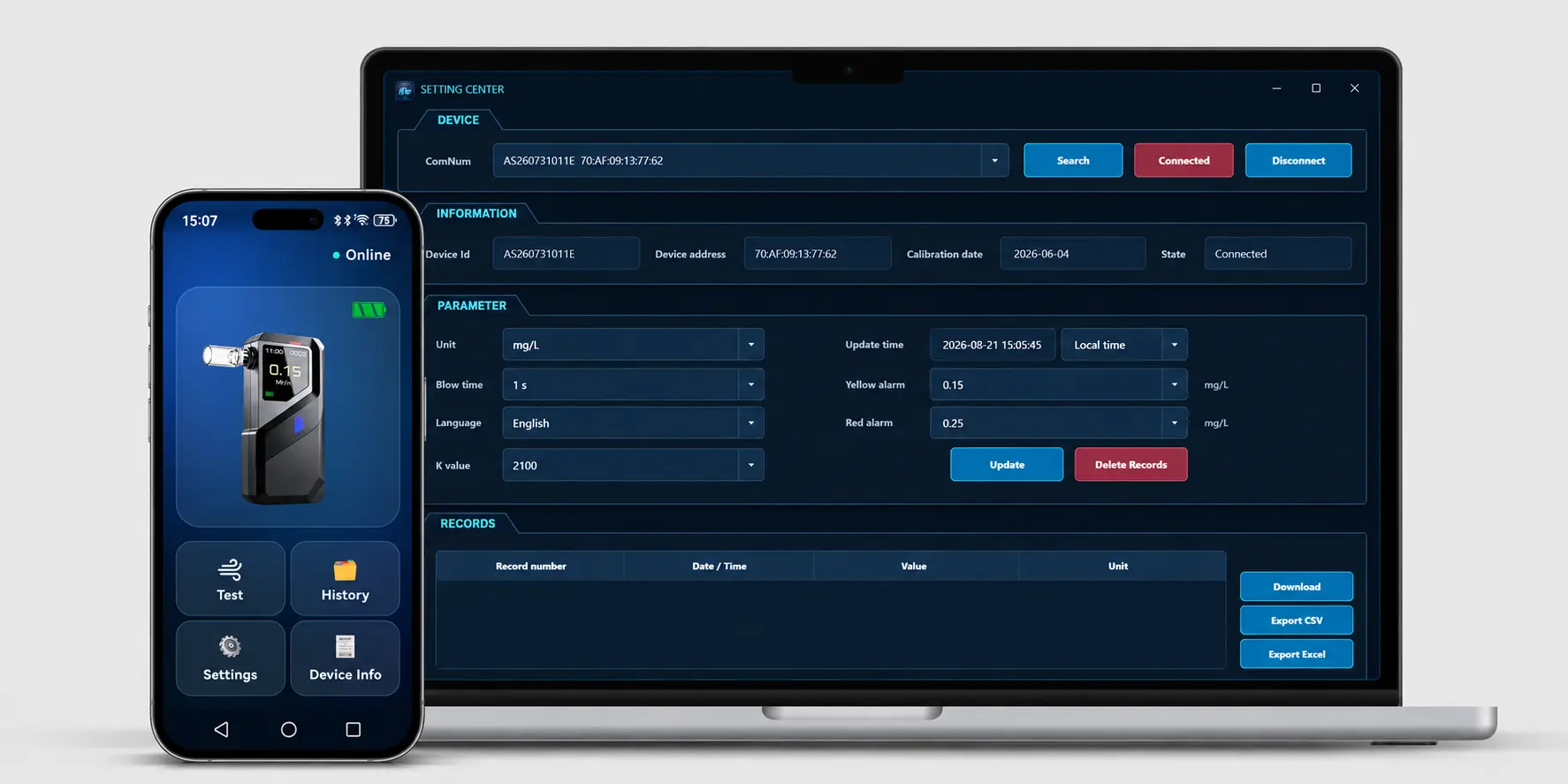
The app functions described in our product materials include driver and vehicle fields, camera use and saved results. Device information such as serial number and calibration date can also support equipment administration.These functions provide a starting point for reviewing your record needs. Discuss which information must be captured, retained or transferred before choosing the configuration.Record synchronization described in the current materials does not include photos. Camera prompts are not a claim of identity verification.
How the Device Is Used
Standalone Testing or Connected Record Handling
Hardware Evaluation
Start With the Measurement Platform
Fuel-Cell Platform With Records
S1
Pump-assisted sampling, built-in Bluetooth and 10,000-record storage provide a starting point for a connected-project discussion. Confirm the required app functions and compatibility.
Compact Sampling Platform
H3 Pro
A compact fuel-cell model with pump-assisted sampling. Optional Bluetooth and software compatibility need separate confirmation for your project.
Confirm the supported device and current app version for the functions required by your project.
Fleet Purchasing
Plan the Devices and Their Upkeep
FAQ
Frequently Asked Questions
Discuss Your Project
Tell Us About Your Testing Environment
Share the intended users, expected testing frequency, record needs and approximate quantity. We can discuss suitable products and the next steps for evaluation.